Galaxy Auto Miner1.6
Publisher Description
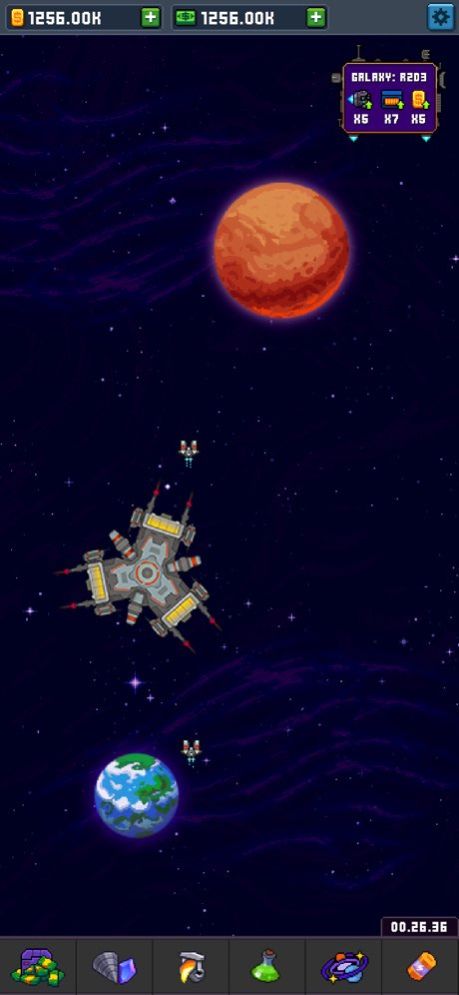
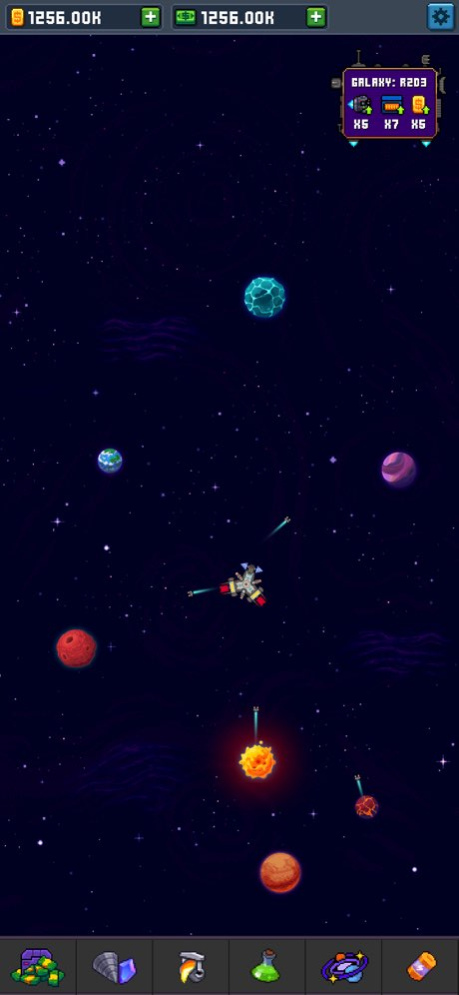


Galaxy Idle Miner is one of the most interesting idle space games in the 8-bit retro graphics lately!The gameplay motivates you to explore new galaxies and planets, feel like a pioneer! You don't need to constantly click the planets to earn resources. You can stay idle and resources will be gathered even if you are away in auto mode. Upgrade old ones and discover new planets. Mine resources and develop planets to expand the possibilities of the visible universe.Hire managers to mine more resources and leave them to manage colonies, productivity will grow under their leadership. Learn new skills to accelerate the development of your expedition.FEATURES OF THE GAME:
- Free mining game
- No internet connection or Wi-Fi required
- 8-bit retro graphics
- More than 30 different planets and an infinite number of universes to mine more resources
. Sounds of old/retro computers
. Idle/Auto Mode
. Mine resources even if you are away
. Explore new galaxies
Your feedback is greatly appreciated!stereo7games@gmail.com
Version History Bug fixes 1.6 07/27/2022 Bug fix
Technical improvements 1.5 07/12/2022 Bug fixes
Technical improvements 1.4 05/30/2022 Bug fixes 1.3 05/18/2022 Bug fixes 1.2 05/06/2022 Bug fixes 1.1 04/27/2022 1.0 03/29/2022
About Galaxy Auto Miner
The company that develops Galaxy Auto Miner is Cantalooza Games LLC. The latest version released by its developer is 1.6.
To install Galaxy Auto Miner on your iOS device, just click the green Continue To App button above to start the installation process. The app is listed on our website since 2026-10-15 and was downloaded 1 times. We have already checked if the download link is safe, however for your own protection we recommend that you scan the downloaded app with your antivirus. Your antivirus may detect the Galaxy Auto Miner as malware if the download link is broken.
How to install Galaxy Auto Miner on your iOS device:
- Click on the Continue To App button on our website. This will redirect you to the App Store.
- Once the Galaxy Auto Miner is shown in the iTunes listing of your iOS device, you can start its download and installation. Tap on the GET button to the right of the app to start downloading it.
- If you are not logged-in the iOS appstore app, you'll be prompted for your your Apple ID and/or password.
- After Galaxy Auto Miner is downloaded, you'll see an INSTALL button to the right. Tap on it to start the actual installation of the iOS app.
- Once installation is finished you can tap on the OPEN button to start it. Its icon will also be added to your device home screen.
Program Details
System requirements
Download information
Pricing
Version History
version 1.6
posted on 2026-10-15
Version History Bug fixes 1.6 07/27/2022 Bug fix
Technical improvements 1.5 07/12/2022 Bug fixes
Technical improvements 1.4 05/30/2022 Bug fixes 1.3 05/18/2022 Bug fixes 1.2 05/06/2022 Bug fixes 1.1 04/27/2022 1.0 03/29/2022
version 1.6
posted on 2022-07-27
Bug fixes
version 1.6
posted on 2022-07-27
Jul 27, 2022
Version 1.6
Bug fixes
